
Start with your room
Choose a kitchen, laundry, wardrobe or another custom joinery space.
Studio K AI Design Studio™
Explore your room, layout and joinery ideas through one guided experience, then bring the concept to Studio K for professional review.
Start Designing →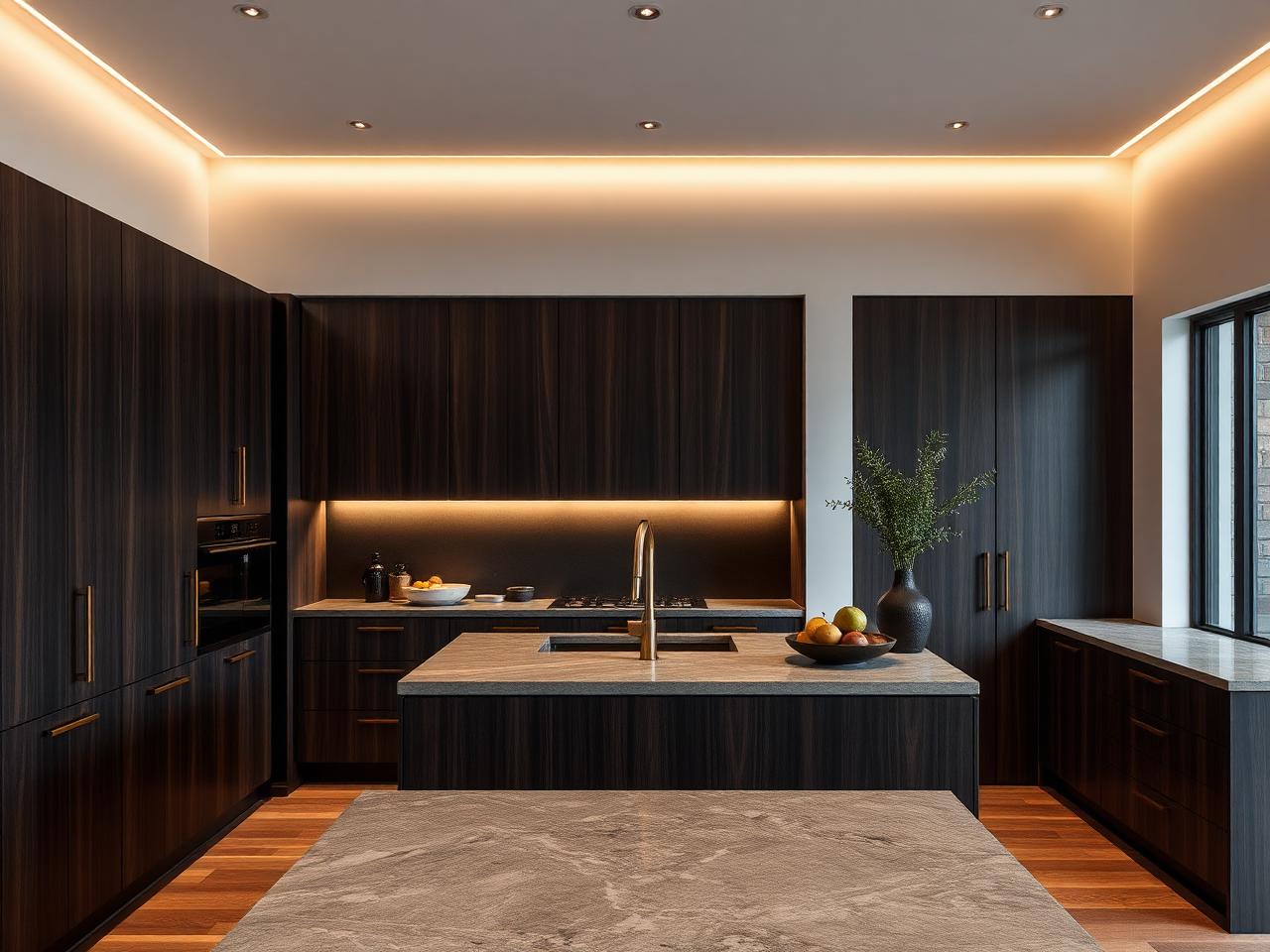
What you can do
New · Conceptual Floor Plan
Sketch straight or angled walls, type exact dimensions, add doors, windows and fixed items, then send the plan into the AI rendering studio.
Start your design
Choose the option that best describes what you have available. You can add more information later.
No sign-in is needed to begin. Supported files include photos, scanned drawings and PDF floor plans.
How the studio works
Choose a kitchen, laundry, wardrobe or another custom joinery space.
Add photos, architectural plans or dimensions to explain the existing space.
Tell Studio K what you want to improve, including style, materials and key features.
Review layout ideas and realistic visual directions before progressing.
Studio K checks the concept for function, buildability and the right next step.
You can begin without signing in. Create first, then save when you are ready.